Customer expectations for insurance service have changed faster than org charts. Policyholders want answers at the point of need, agents want quick updates they can relay to clients, and claims teams want clean FNOL data without rekeying or follow-up calls. Meanwhile, contact volumes keep climbing, and hiring is rarely the quickest or most sustainable lever.
The most reliable way to improve insurance service without adding headcount is to remove avoidable touches: repetitive questions, simple transactions, and missing-information loops. Chatbots are uniquely effective here because they can both answer and execute, across channels, while capturing structured data for downstream automation.
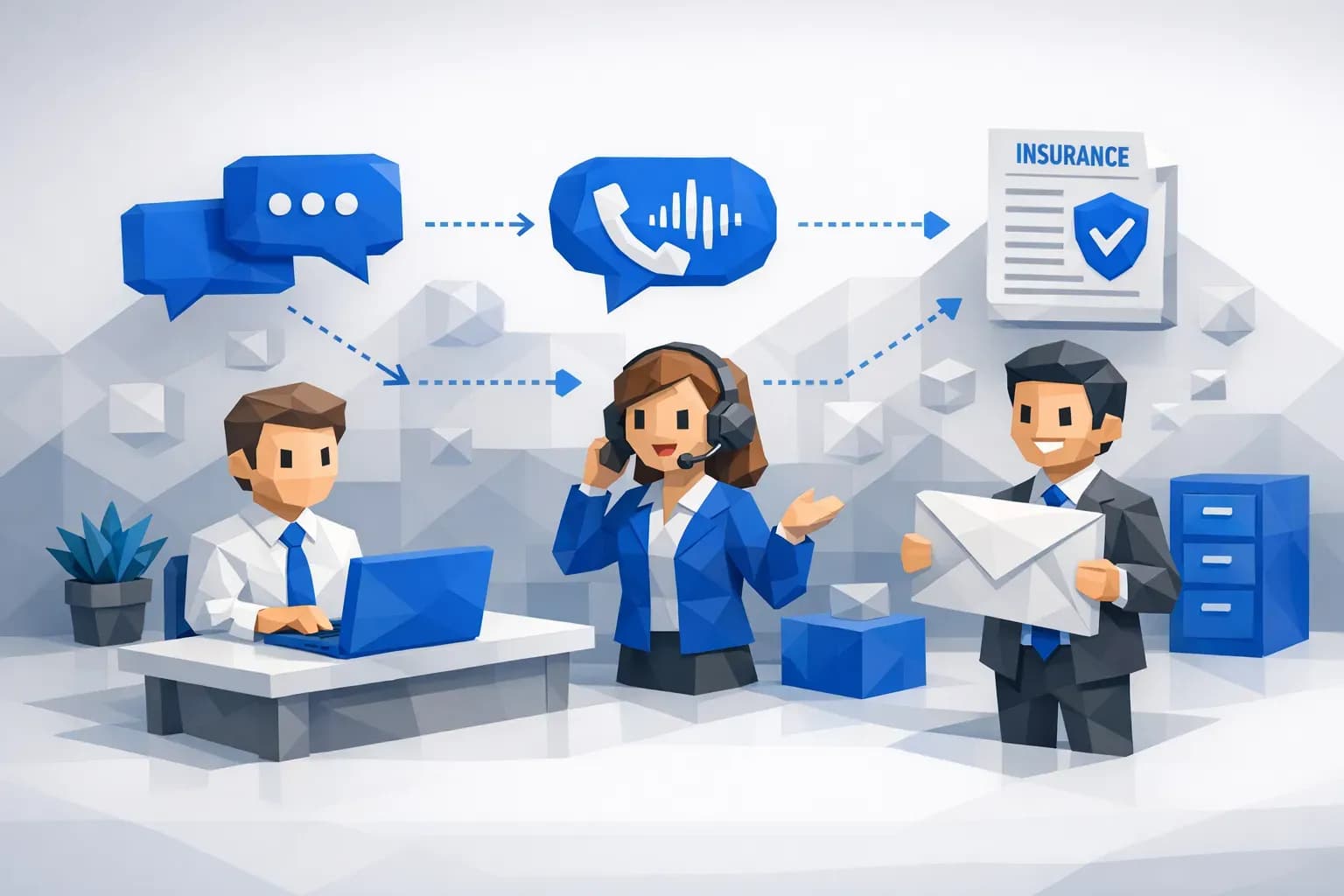
Below is a practical deployment playbook built around three chatbot patterns:
- A text-based chatbot for policyholder and insurance agent questions and actions
- A phone-based voice bot for servicing and claims FNOL (basic data collection)
- Automated document collection via SMS and email, followed by document automation when files are submitted
What “better insurance service” really means (without more staff)
In service operations, quality and cost usually move together. If you speed up responses manually, you often spend more on overtime or hiring. If you cut cost manually, response quality can drop.
Chatbots change that equation when they are designed for three outcomes:
- Deflection: fewer contacts reach a human because the bot resolves the issue end to end.
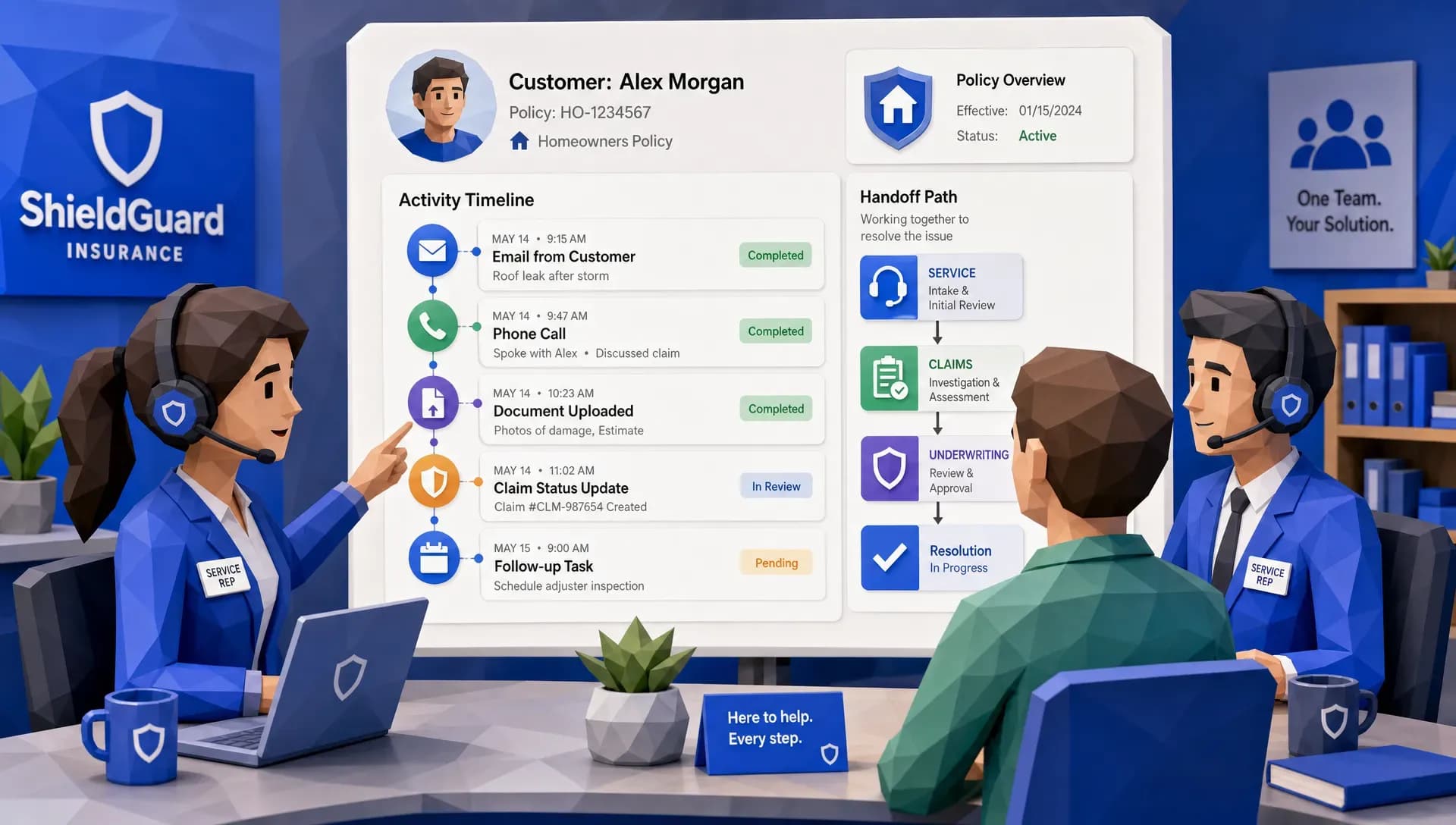
- Containment: the bot handles the first part (identity, policy lookup, intent, data capture) and hands off with full context.
- Completion: the bot drives the next step automatically (collect a document, schedule an inspection, open a claim, update a policy task).
If your current insurance service problems are long wait times, repeated follow-ups, or “we’re missing one more document” loops, these three outcomes map directly to measurable improvements.

1) Deploy a text-based chatbot for policyholder and agent questions and actions
Text chat (web, in-app, portal, SMS, or messaging) is the fastest place to start because it is:
- Lower friction for users who do not want to call
- Easier to supervise and audit (chat transcripts)
- Easier to iterate on intents and language
Start with the “high-frequency, low-risk” intent set
A service chatbot should not begin as a general Q&A assistant. The fastest path to value is a constrained set of intents that represent a large share of inbound volume and can be handled with deterministic workflows.
Common examples include:
- Proof of insurance and ID card requests
- Billing and payment questions (status, due date, where to pay)
- Policy dates, limits, deductibles (read-only lookups)
- Claim status checks
- Simple policy changes (address update, vehicle change request, driver change request), where appropriate approvals still apply
- Agent-facing questions like submission or endorsement status, missing items, or next-step guidance
The design principle is simple: answer what you can verify, and trigger workflows where you can control the next step.
Make “actions” the differentiator, not just answers
A chatbot that only answers questions improves experience but may not reduce work, because customers still need a person to execute the change. A chatbot that can also trigger a workflow reduces both contacts and cycle time.
That means connecting chat intents to your operating system of record (policy admin, billing, claims, CRM, document store). If you are evaluating tooling, it can help to skim independent tool reviews and tutorials to understand typical integration patterns and tradeoffs.
Build trust with guardrails and friction on purpose
Insurance service has real risk: PII, coverage misunderstandings, and regulated communications. Your bot should be designed to be helpful, but also safely limited.
Practical guardrails that improve outcomes:
- Identity and authorization: verify identity before disclosing policy or claim details.
- Bounded language: for coverage or liability questions, provide plain-language guidance plus a “talk to a licensed rep” option.
- Clear handoff: if the user expresses dissatisfaction, urgency, injury, litigation, or complex scenarios, route to a human with the chat context attached.
- Conversation receipts: send a summary of what was requested and what will happen next.
Capture data you will use later
Every chat should produce structured fields, not just text. Even simple tagging like intent, product line, state, and resolution status can feed staffing forecasts, root-cause analysis, and automation opportunities.
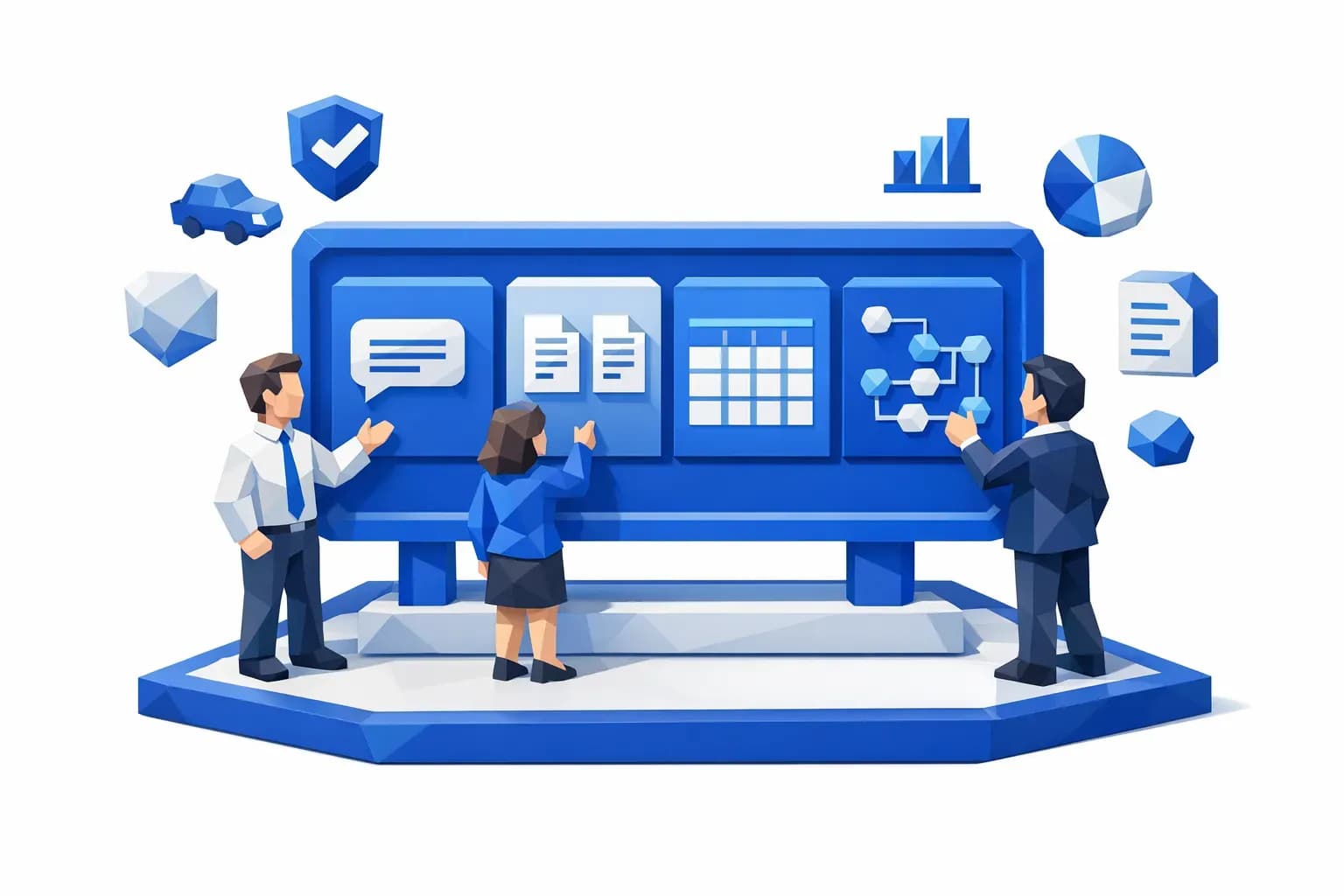
This is where a unified data layer matters. If chat outcomes are captured alongside policy and claims events, you can build dashboards that answer questions like:
- Which intents are driving contacts after endorsements?
- Which documents cause the most follow-up?
- Which agencies generate the highest service volume per policy?
2) Add a phone-based voice bot for servicing and FNOL (basic data collection)
Phone is still the pressure valve for insurance service. It is also the most expensive channel per interaction, and the most constrained by staffing.
A voice bot does not have to replace adjusters or CSRs to create impact. The quickest win is to use it as a front-end intake layer that handles predictable steps consistently.
Use the voice bot for two jobs
Servicing triage: identify the caller, determine intent, and either resolve or route correctly.
FNOL data capture: collect the minimum viable dataset so a claim can be created and routed, with fewer missing fields and fewer back-and-forth calls.
Define the FNOL “minimum viable dataset”
The goal is not to complete every claim over the phone automatically. The goal is to collect clean basics and set expectations.
A practical baseline includes:
- Policy identification (policy number or verified identity + lookup)
- Loss date and time (or best estimate)
- Loss location
- Loss description (short narrative plus categorized cause)
- Vehicles or property involved
- Injuries reported (yes/no, and escalation if yes)
- Police report filed (yes/no/unknown)
- Contact preferences and best callback number
From there, the workflow can trigger the next steps: claim creation, assignment, initial instructions, and document/photo requests.
Design for empathy and speed
Claims calls are emotional. The voice bot script should balance compliance with empathy:
- Confirm safety first
- Use short questions, avoid jargon
- Repeat key facts back for confirmation
- Offer immediate next steps (“I’m going to send a link to upload photos”) and timing (“You will receive a claim number by…”) when available
Use human handoff as part of the design, not a failure state
The best voice bots are not “fully automated or bust.” They are designed with explicit handoff triggers:
- Injury or medical treatment
- Complex multi-vehicle, commercial exposures, or potential liability severity
- Unclear coverage scenarios
- Caller frustration, repeated corrections, or requests for an agent
When handoff happens, the system should pass the collected FNOL fields and transcript summary, so the human starts at step two, not step zero.
3) Automate document collection with SMS and email, then automate documents on arrival
Most service teams are not overwhelmed by answering questions, they are overwhelmed by chasing missing information.
Document collection is a compounding problem:
- Customers forget what to send
- They send the wrong file type
- They send it to the wrong inbox
- Staff manually follow up, download, rename, and rekey
A document collection bot solves this by turning “waiting” into an active workflow.

Treat document collection like a product, not a reminder
A high-performing workflow typically includes:
- A secure upload link sent via SMS and email
- Clear instructions written in plain language (what, why, and by when)
- Automated reminders until completion (with stop conditions)
- Upload confirmation and next-step message
The key is to preempt confusion. Instead of “Send us photos,” be specific: “Upload 4 photos: front, rear, left, right, plus any close-ups.”
Automate the back office the moment files arrive
Document collection is only half the win. The real headcount relief is what happens after receipt:
- Automatically classify the document type (police report, invoice, medical bill, estimate, demand package)
- Extract key fields where relevant
- Attach to the correct claim or policy record
- Trigger the next workflow step (triage, assignment, review queue, fraud checks)
This is where platforms that support all file types and structured extraction can eliminate repetitive handling across email, portal uploads, PDFs, photos, and scanned documents.
Close the loop with proactive status updates
Once you automate document collection, you can also reduce inbound “Did you get it?” calls.
Send automated updates such as:
- “We received your documents. Next step: review within X business days.”
- “We received photos, but the police report is still missing. Here is the link again.”
This improves customer confidence and reduces avoidable contacts.
Implementation essentials: compliance, security, and quality controls
Chatbots in insurance service touch sensitive data and regulated processes. A practical deployment should include:
Authentication and authorization by channel
- For text chat, use step-up verification before disclosing policy or claim details.
- For voice, plan how you will verify identity (knowledge-based checks, one-time passcodes, or other approved methods).
Auditability and recordkeeping
- Store transcripts, captured fields, and workflow outcomes.
- Log what data sources were used for responses, especially for status or coverage-related messages.
Controlled knowledge
Keep the bot’s “answer surface area” narrow. For regulated or nuanced topics, route to humans or provide approved, static guidance.
Monitoring and continuous improvement
A bot is a live operational process. Establish a weekly review of:
- Misrouted intents
- Escalation reasons
- Recontact rate after bot resolution
- Missing-field rates in FNOL intake
KPIs that prove you improved insurance service (and not just moved the work)
To confirm you are improving insurance service without adding headcount, measure outcomes that correlate to labor and customer experience:
- Containment rate (percent resolved without human involvement)
- Deflection rate (contacts avoided relative to baseline)
- Average handling time reduction for contacts that still reach humans (because context is captured)
- FNOL completeness rate (fewer missing fields and fewer follow-up calls)
- Document cycle time (request sent to complete package received)
- Repeat contact rate within 7 days for the same issue
- CSAT or post-interaction sentiment, by channel
A common pitfall is celebrating containment while recontact rises. The goal is fewer contacts and better outcomes, not just shorter conversations.
A practical rollout plan you can run in weeks
Week 1: Pick the narrow use case and instrument it
Choose one high-volume flow, for example claim status checks, proof of insurance requests, or FNOL intake for a specific line. Define:
- The exact intents you will support
- The handoff rules
- The fields to capture
- The systems you must update
Week 2: Launch text chat for questions plus one action
Start with a “read” plus “do” combination (for example: answer policy effective date, then allow proof of insurance delivery). This is where you typically see immediate contact reduction.
Week 3: Add automated document outreach
Connect the chat outcome to SMS and email document requests, reminders, and confirmation messaging. Make sure uploads route to the right case and are usable without manual renaming or triage.
Week 4: Add voice intake for calls and FNOL basics
Deploy a voice front end that captures the minimum viable FNOL dataset and routes complex cases. Use the same data model as chat so reporting and dashboards stay consistent.
Frequently Asked Questions
Do chatbots actually reduce workload in insurance service, or do they just shift it? They reduce workload when they complete actions (not just answer), capture structured data, and trigger workflows like document collection and claim creation.
What is the best first chatbot use case for a carrier or MGA? Start with high-frequency, low-risk intents like proof of insurance, ID cards, basic policy lookups, claim status, and document requests. Then expand into controlled transactions.
How do you keep a chatbot compliant for claims and policy servicing? Use strong identity verification, limit coverage advice, maintain audit logs (transcripts and fields), and define explicit human handoff triggers for complex or sensitive scenarios.
Can a voice bot handle FNOL without harming customer experience? Yes, if it prioritizes empathy, captures only the essential data, confirms key details, and offers fast escalation to a human adjuster when severity or complexity is detected.
How does automated document collection improve cycle time? It shortens the “waiting” phase by sending structured SMS/email requests, reminders, and upload links, then automating classification and routing the moment files arrive.
Build service capacity with automation, not hiring
If you want to improve insurance service without adding headcount, focus on the moments that create repeat work: basic Q&A, phone intake, and missing documents. When those are automated with chat and voice workflows, service teams regain time for exceptions, escalations, and complex claims.
Inaza’s AI-powered insurance automation platform is built to deploy production-ready workflows quickly, integrate with existing systems, and capture the data generated by automation into a unified warehouse for analytics and dashboards. If you want to see what this looks like in your environment, explore Inaza at inaza.com and talk with the team about deploying chat, voice, and document automation workflows end to end.