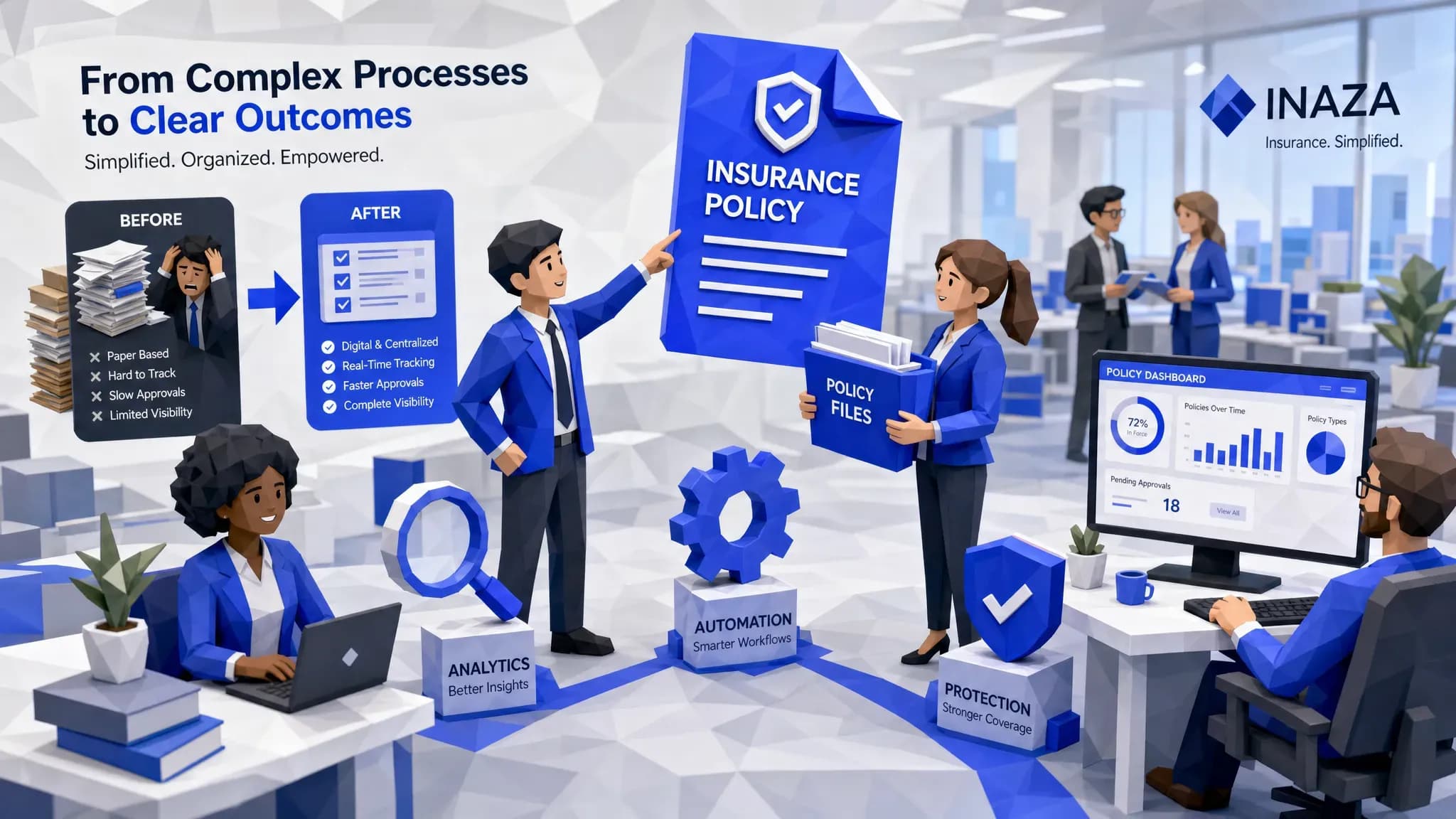
Here is my mildly spicy take after a decade around underwriting desks, claims queues, broker submissions, and the occasional procurement committee with too many pastries: most insurance software does not become shelfware because the product is useless. It becomes shelfware because nobody tied it to one painful job, one measurable outcome, and one owner who has to live with the result.
I once saw a claims team buy a shiny triage tool that could classify losses, score urgency, and produce reports that looked like they belonged in a board pack. Three months later, adjusters were still working from a shared inbox and a spreadsheet named “FINAL_final_v3.” The tool was fine. The workflow around it was not. That is how shelfware happens. Slowly, expensively, and with a suspicious number of kickoff calls.
If you are choosing insurance software in 2026, the goal is not to buy the platform with the longest feature list. The goal is to buy something your teams actually use on Tuesday morning, when 400 emails arrive, three attorneys send demands, a broker wants a quote by lunch, and someone in finance asks why loss adjustment expense is creeping up again.
Start with the work, not the software category
The worst way to buy insurance software is to start with a broad category like “claims modernization,” “underwriting transformation,” or “AI platform.” Those phrases sound impressive in a steering committee, but they are too squishy to protect you from shelfware.
Start with the job that makes people mutter under their breath.
Maybe underwriters are spending half the day rekeying loss runs. Maybe claims adjusters are manually sorting FNOL emails. Maybe customer service is answering the same coverage question 80 times a week. Maybe your operations team cannot tell whether quote abandonment is a broker behavior issue, an intake issue, or a “we asked for the same document three times” issue.
That is where good insurance software earns its keep.
A useful problem statement sounds like this: “We need to reduce the time from submission received to quote-ready file by 40 percent, without forcing underwriters to change systems.” That is specific. You can test it. You can assign ownership. You can tell whether it worked.
A weak problem statement sounds like this: “We need a more innovative underwriting ecosystem.” Lovely. Also, nobody knows what to do with it.
Beware the beautiful demo with perfect data
Every vendor demo looks good when the sample files are clean, the APIs behave, and the imaginary policyholder has never attached a blurry PDF photographed from a kitchen counter. Insurance, as we know, is not like that.
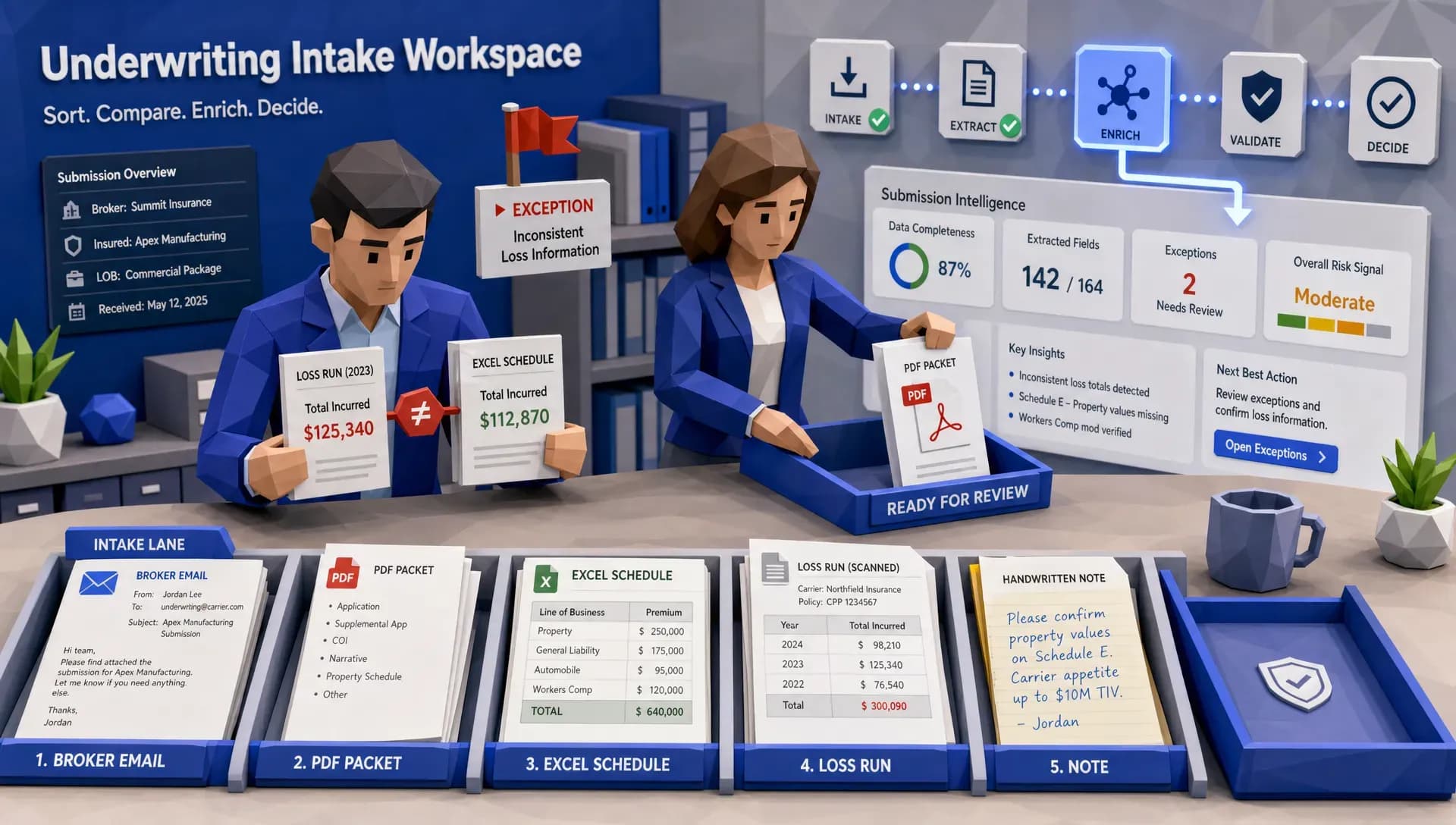
Real insurance work is messy. Submissions arrive as PDFs, Excel files, emails, images, scanned forms, handwritten notes, and broker attachments with names like “document.pdf.” Claims files include police reports, medical bills, repair estimates, photos, prior correspondence, and occasionally a file format last popular when flip phones were aspirational.
So, do not evaluate insurance software using vendor data alone. Bring your own ugly examples.
Ask the vendor to process real artifacts from your business, including exceptions. If you are an MGA, include an incomplete submission. If you are a carrier, include a claim with conflicting details across documents. If you are a broker, include a fleet schedule with inconsistent vehicle names and missing VINs. If you work in claims, include an attorney demand that looks like it was assembled by someone allergic to structure.
The question is not, “Can the demo work?” The question is, “Can this software survive our Tuesday?”
Time-to-value is not a nice-to-have
Here is another hot take: a six-month proof of concept is often just shelfware wearing a lab coat.
Of course, complex insurance operations need care. We are dealing with regulated workflows, sensitive data, legacy systems, and decisions that affect real people. Nobody serious is suggesting reckless implementation. But there is a big difference between thoughtful deployment and endless PoC theater.
McKinsey has noted that underwriters can spend as much as 60 percent of their time on administrative tasks rather than risk assessment. If your team is losing that much time to admin, you cannot afford software that takes half a year to prove whether it can remove one bottleneck.
When you compare vendors, ask how fast they can put one workflow into production. Not “show value,” not “design a roadmap,” not “align stakeholders.” Production. With your files, your rules, your users, and your systems.
This is one reason I like modular automation over giant replacement projects. You do not need to replace your policy admin system to fix intake. You do not need to rebuild claims to automate document sorting. You do not need a three-year transformation program to stop rekeying the same driver details into four places.
The best insurance software usually starts small, proves value, and then expands.
Integration promises are cheap. Operational integrations are not.
Every software vendor says they integrate. That sentence is now about as useful as “we care about customer success.” Fine, but what does it mean on a bad day?
Ask what systems the software can connect to today. Ask whether it supports your file types. Ask how it handles missing fields, duplicate records, failed calls, and version mismatches. Ask whether your team will need to log into another portal or whether the output lands where they already work.
A painful truth: if a tool creates a second desk, people will avoid it.
I once watched an adjuster copy a VIN from a new claims tool back into the core system because the “close claim” action still lived in the old system. That adjuster was not resisting innovation. She was trying to finish her work before dinner. If your new insurance software adds copy-paste steps, you have not automated anything meaningful. You have just moved the burden around.
Good integration should make the workflow feel lighter. Data should enter once, get validated, enrich where needed, and flow to the right system with a clear audit trail. If staff need a laminated cheat sheet to remember which screen is the “real” one, adoption will suffer.
Do not buy workflow automation without data visibility
Workflow automation without data visibility is a treadmill. You move faster, but you may not know where you are going.
This is where many insurance software projects underdeliver. They automate a step, but they fail to capture the operational intelligence created along the way. That is a missed opportunity.
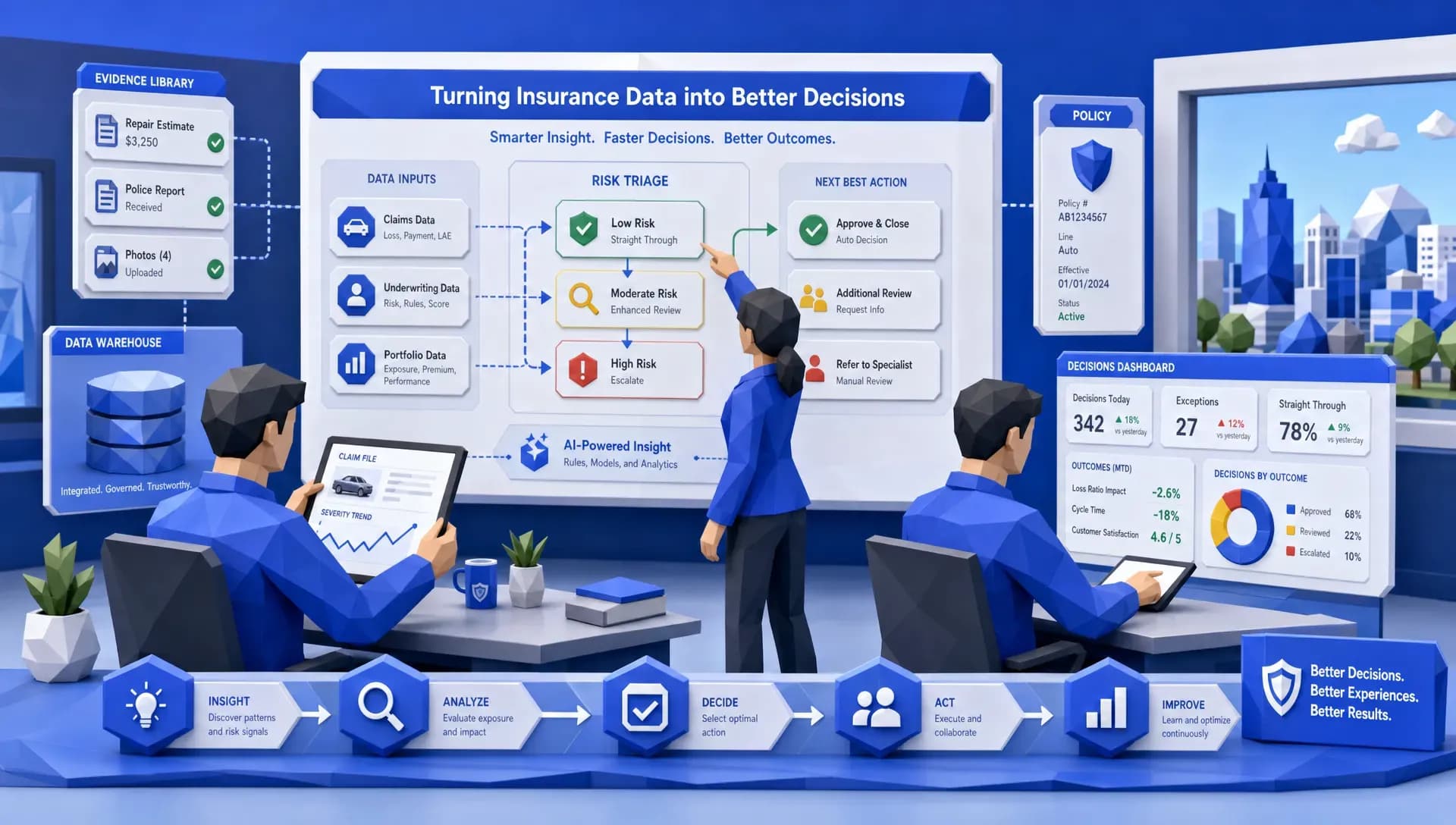
If your system extracts data from submissions, claims documents, emails, or forms, that data should not vanish after the transaction completes. It should feed reporting, analytics, audit trails, and management dashboards. Otherwise, leadership still has to ask operations for manual updates, and operations still has to build reports by hand.
The data layer matters because insurance leaders need answers to questions like these:
- Where are submissions stalling?
- Which brokers send the most incomplete files?
- Which claim types trigger the most manual review?
- Which underwriting rules create the most referrals?
- Which workflows produce the highest exception rates?
- How are we performing against internal targets and market benchmarks?
That last point is worth underlining. Benchmarks can change the conversation. When you can compare performance against industry reference points, you are no longer guessing whether a process is “good enough.” You can see where you are ahead, where you are exposed, and where improvements strengthen renewal, portfolio, or reinsurance narratives.
Shelfware loves vague ROI
If ROI is defined after implementation, you are already in trouble.
Before signing, decide which numbers will prove the software is working. Keep it practical. I care less about grand transformation metrics and more about measures that connect to daily insurance operations.
For underwriting, that might mean submission-to-quote time, referral rate, data entry error rate, quote abandonment, or premium leakage. For claims, it might mean FNOL completion time, cycle time, fraud referral accuracy, adjuster touches per claim, or customer response time. For operations, it might mean backlog, cost per transaction, email handling time, or audit readiness.
Claims deserves special attention because delays are expensive in more ways than one. J.D. Power’s 2024 U.S. Auto Claims Satisfaction Study points to the continued pressure around auto claim cycle times and customer satisfaction. Customers may not know your internal workflow, but they absolutely know when nobody updates them for two weeks.
Fraud is another area where vague ROI is dangerous. The FBI estimates that insurance fraud costs the United States more than $300 billion annually. If you are buying fraud-related software, define whether success means fewer false positives, faster triage, better investigator productivity, reduced leakage, or stronger evidence packs. “Better fraud detection” is not enough.
Run an anti-shelfware pilot
A good pilot is not a science fair project. It is a controlled rehearsal for production.
Here is the simple version I would use if I were buying insurance software tomorrow:
- Pick one workflow with a real owner: Choose something painful enough that people care, but narrow enough to implement. Submission intake, FNOL triage, attorney demand routing, proof-of-prior checks, or claims document extraction are all good candidates.
- Use real work, including bad examples: Include messy emails, unusual attachments, incomplete fields, duplicate records, and edge cases. If the pilot only uses perfect files, you are testing theater.
- Set baseline metrics before the vendor touches anything: Measure current cycle time, error rates, backlog, manual touches, and user effort. If you cannot measure before, you will struggle to prove after.
- Test the hidden plumbing: Include email flows, system handoffs, user permissions, exception handling, and audit logs. For teams testing automated inbox or verification flows, a tool like programmable temporary inboxes via API can help simulate inbound emails and capture them as structured data without cluttering production systems.
- Let frontline users judge the experience: Underwriters, adjusters, analysts, and service reps will spot problems leadership misses. If they say the workflow feels heavier, listen.
- Require a production plan before expansion: The pilot should end with a yes or no decision, named owners, integration steps, training needs, and success metrics for scale.
Notice what is missing from that list: a 70-slide innovation deck. You can print one if you like, but it will not process a claim.
Check whether the software fits how insurance teams actually behave
Insurance teams are pragmatic. They will adopt tools that make their work easier, reduce rework, and help them make better decisions. They will quietly abandon tools that feel like homework.
That means usability matters. A lot.
Ask whether the software requires team retraining or fits into existing work patterns. Ask how exceptions are handled. Ask whether users can see why a file was routed, flagged, enriched, or escalated. Ask whether managers can adjust workflows without waiting three months for a development queue.
This is especially important for underwriters and adjusters. These are judgment-heavy roles. Good automation should remove the administrative sludge so experts can spend more time on risk, coverage, negotiation, and customer outcomes. It should not box them into rigid decisions they do not trust.
The healthiest implementations usually have a human review path for sensitive or high-value decisions. Automation handles the repeatable work. People handle judgment, empathy, negotiation, and exceptions. That balance is not old-fashioned. It is how you avoid expensive mistakes.
What I would look for in insurance software now
If I were advising a carrier, MGA, broker, or claims team today, I would look for a few practical capabilities.
First, I would want configurable workflows that can be deployed quickly. Not a blank canvas that requires months of consulting, and not a rigid product that forces every insurer into the same process.
Second, I would want broad data intake. The software should handle common insurance file types and channels, including PDFs, spreadsheets, emails, images, and structured data. The real world does not arrive in one format.
Third, I would want data enrichment through ready integrations. If underwriting needs MVR, property, hazard, identity, or other third-party data, every connection should not become a custom mini-project.
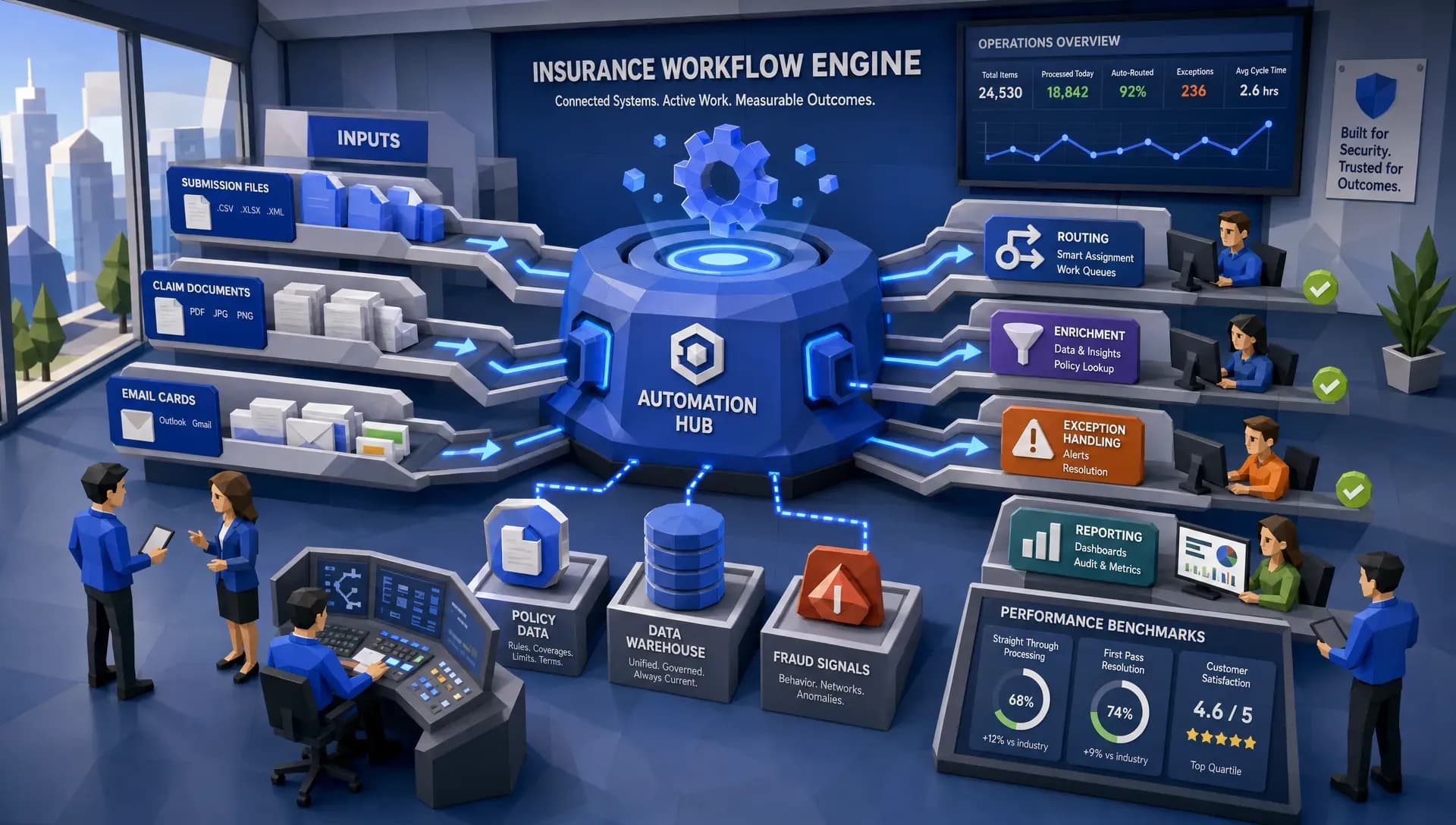
Fourth, I would want a strong reporting layer. Dashboards should show operational performance, exceptions, bottlenecks, and trends. Bonus points if the system supports market or industry benchmarks that help leadership explain portfolio performance.
Finally, I would want proof that the vendor understands insurance operations, not just software. There is a difference. Insurance has edge cases, regulatory pressure, legacy realities, and very little patience for tools that look clever but create more work.
Where Inaza fits into the anti-shelfware conversation
At Inaza, we think the best insurance software should get into production quickly, fit existing systems, and leave you with better data than you had before.
Inaza’s insurance automation platform is built for underwriting, claims, customer service, and operations. It includes customizable workflow automation, supports all file types, integrates with existing systems, and uses a unified data warehouse so the information captured during automation can feed dashboards, reporting, and analytics.
The part I personally think matters most is the combination of workflow speed and data visibility. Automating a claims or underwriting process is useful. Capturing the key data points from that process, then turning them into business intelligence, is where the long-term value shows up.
Inaza also offers 250+ workflow templates and pre-built API templates for data sources such as Verisk, LexisNexis, and HazardHub. That matters because many insurers do not need another blank implementation project. They need a production-ready starting point they can adapt.
If your team is trying to avoid shelfware, this is the standard I would hold any vendor to: can they solve a real workflow quickly, integrate without chaos, produce usable data, and help your people work better without retraining the whole building?
If the answer is no, keep shopping.
Frequently Asked Questions
What is shelfware in insurance software? Shelfware is software that an insurer buys but barely uses. It usually happens when a tool is not tied to a specific workflow, lacks clear ownership, fails to integrate cleanly, or creates more work for frontline teams.
How can insurers avoid buying software that goes unused? Start with one measurable operational problem, test with real files, involve frontline users, define ROI before implementation, and require a clear production plan. Avoid buying broad transformation promises without workflow proof.
What should carriers and MGAs prioritize when choosing insurance software? Prioritize time-to-value, integration with existing systems, support for messy insurance data, configurable workflows, auditability, reporting, and adoption by underwriters, adjusters, and operations teams.
Is replacing core systems necessary to modernize insurance operations? Usually, no. Many high-value improvements can be made by automating specific workflows around existing systems, such as submission intake, FNOL, claims document processing, attorney demand handling, and customer service routing.
Ready to buy software your teams will actually use?
If you are evaluating insurance software and want to avoid another expensive platform nobody opens after the kickoff, start with a workflow that hurts and make the software prove itself there.
Inaza helps insurers, MGAs, and brokers automate underwriting, claims, customer service, and operations with configurable workflows, system integrations, and real-time analytics. If you want to see what production-ready automation can look like without the usual PoC marathon, we would be happy to show you.