Improvement
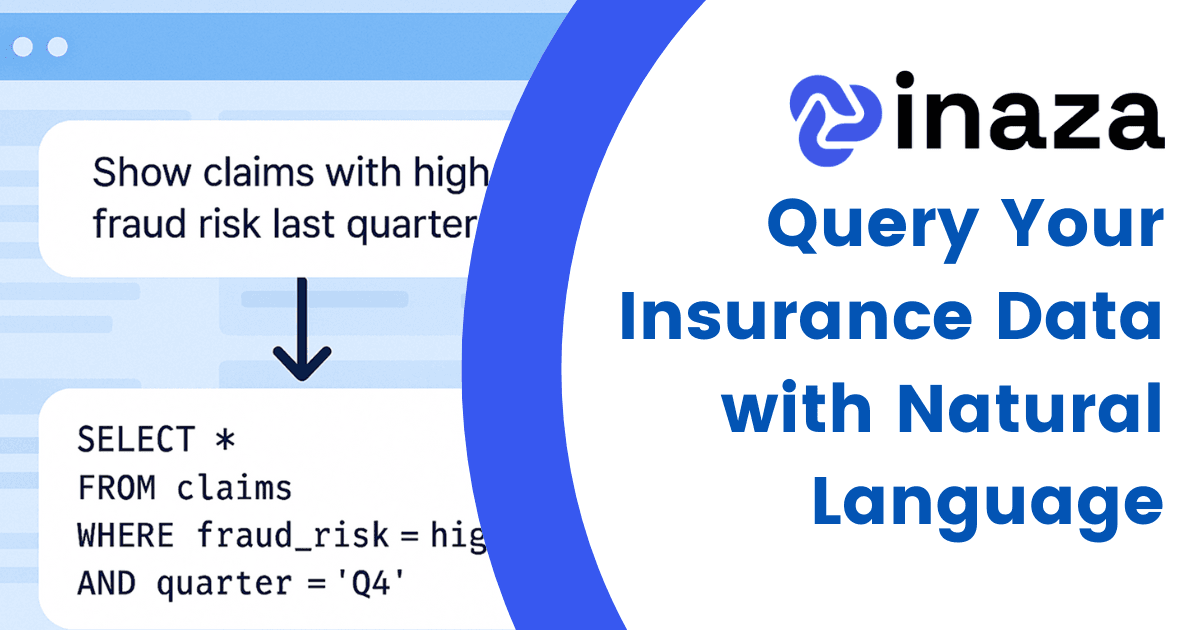
Query Your Insurance Data with Natural Language
Use natural language to generate SQL and query your insurance data on the Inaza platform—fast insights, no coding, and full control for every team.
In a fast-moving insurance operation, every minute matters. Whether it’s a high-priority claim, a new submission, or a customer service request, the speed at which your team receives and acts on information can directly impact outcomes.
That’s why we’ve integrated Inaza with Microsoft Teams, so your people never miss a moment that matters.
Inaza’s Microsoft Teams integration connects your insurance data and workflows directly with your Teams environment. Now, when your platform receives key communications - whether from email, SMS, phone, or web forms - the right people get notified instantly in Teams.
You can trigger alerts, updates, and even full summaries for individuals or teams, keeping everyone in the loop without needing to log into another platform.
The integration brings several high-impact benefits to your operation:
Unlike generic chatbots or plug-ins, Inaza’s Teams integration is designed around insurance-specific triggers. It can intelligently route notifications based on the type of contact, the urgency of the task, and even your internal SLAs.
Whether it’s a broker update, a customer complaint, or a new quote request - your team will know exactly when and where to act.
Clients can enable the Teams integration directly from their Inaza admin panel. Configuration is simple, and your teams can begin receiving live updates within minutes.
Need help setting it up or want to see it in action? Get in touch with your Inaza account manager for a personalized walkthrough.
Use natural language to generate SQL and query your insurance data on the Inaza platform—fast insights, no coding, and full control for every team.
Seamlessly connect Excel with Inaza to analyze, update, and manage insurance data in real time, no exports, no delays, just smarter workflows.
Inaza integrates with Microsoft Power BI to deliver real-time insurance data insights. Visualize claims, underwriting, and customer data in familiar dashboards.
Structured PoC in 4 weeks — no onboarding cost. Full control from day one.