Improvement
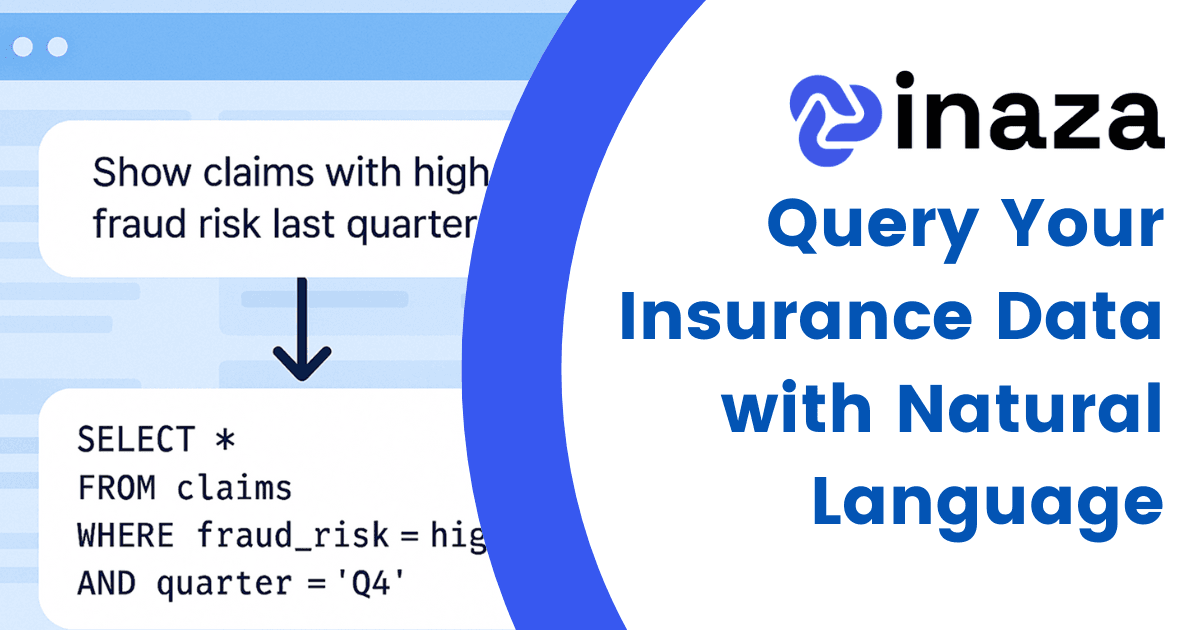
Query Your Insurance Data with Natural Language
Use natural language to generate SQL and query your insurance data on the Inaza platform—fast insights, no coding, and full control for every team.
Insurance professionals live in spreadsheets. From underwriting analysis to claims tracking, Excel remains the go-to tool for quick calculations, reporting, and data views. But until now, pulling data into Excel - or getting it back into your core platform - meant relying on slow, manual steps.
That changes with Inaza’s Microsoft Excel integration.
Our new Excel integration allows users to securely connect Microsoft Excel directly with the Inaza platform. You can now pull live insurance data into Excel from your operational datasets - claims, submissions, policy data, broker performance, and more. Need to update a pricing model or review underwriting performance? Do it in Excel and push it right back into Inaza when you're done.
No downloads. No CSV juggling. Just live, synced, actionable data.
The Excel integration makes day-to-day insurance operations faster, more reliable, and more user-friendly. It enables teams to:
Fast, Secure, and Insurance-Ready
Like all Inaza integrations, the Excel connector is designed for speed and security. Permissions are managed through your existing user access, and all data movements are encrypted and compliant with industry standards.
This is not a generic connector - it’s built specifically for how insurers work with data.
Inaza clients can activate the Excel integration directly within their platform settings. For setup support or a live demo, contact your Inaza account manager or reach out to our support team.
Use natural language to generate SQL and query your insurance data on the Inaza platform—fast insights, no coding, and full control for every team.
Get real-time alerts and updates from Inaza directly in Microsoft Teams, keeping your insurance operations responsive, aligned, and in sync.
Inaza integrates with Microsoft Power BI to deliver real-time insurance data insights. Visualize claims, underwriting, and customer data in familiar dashboards.
Structured PoC in 4 weeks — no onboarding cost. Full control from day one.